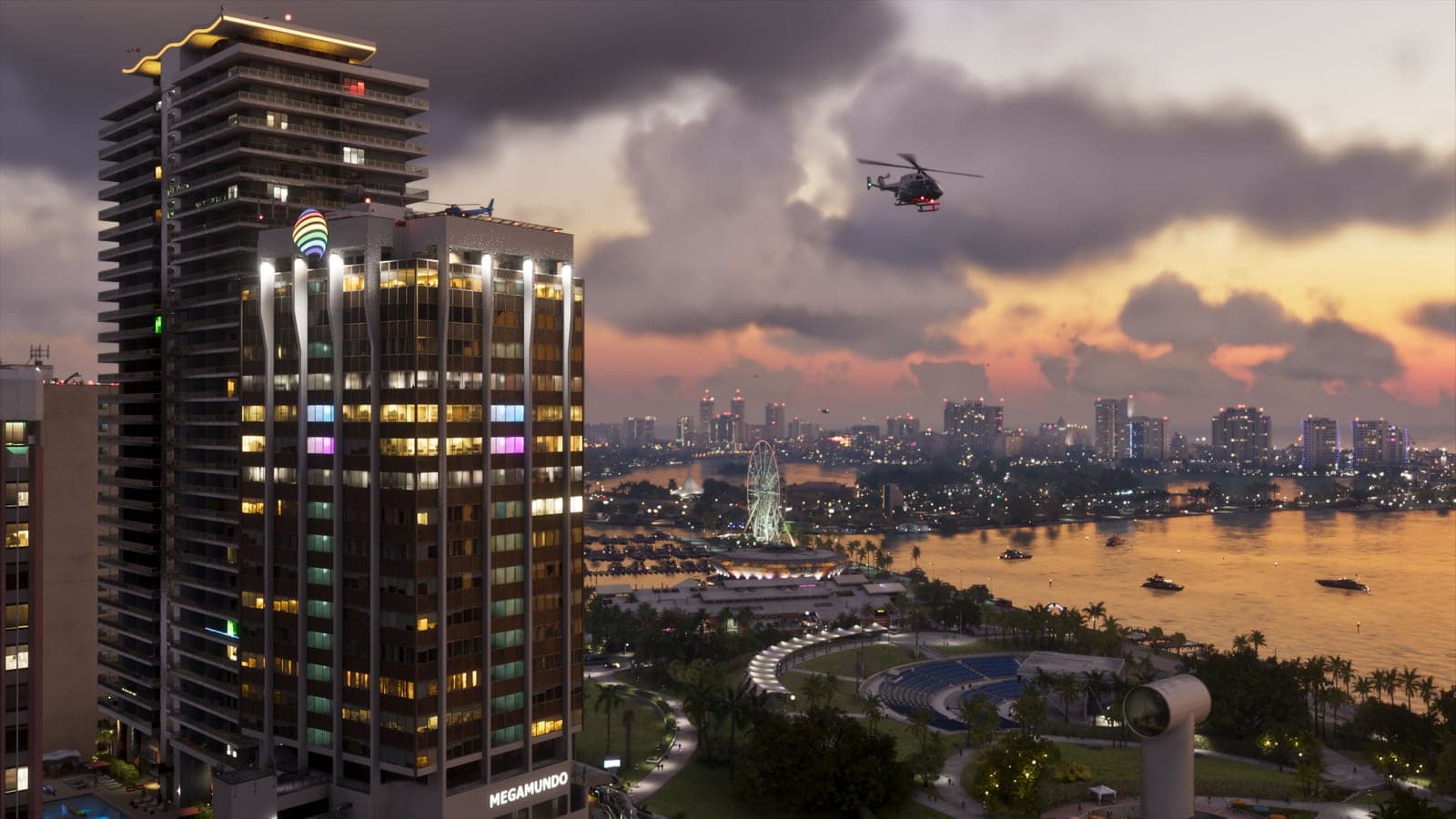
GTA 6 has a photo mode from the prologue onward, plus a phone camera for selfies. How to open each one and every setting you can change.
Grand Theft Auto VI launched with a photo mode, which IGN reported in the week before release. Rockstar has not published a guide to it, so this one is based on guides written against the released game, chiefly Game Rant's, checked on November 19, 2026. There are two ways to take pictures: photo mode in the pause menu, and the camera on your phone.
How to open photo mode
Pause the game and choose photo mode from the pause menu. It is there almost from the start: Game Rant had it as soon as you take control of Lucia in the prologue.
Camera settings
You can set the camera speed, show a grid, roll the frame and choose from eight aspect ratios. Field of view goes up to 48.5 degrees, and depth of field comes with aperture, focus distance and a focus guide.
Look and lighting
Exposure, contrast, highlights, shadows, saturation, sharpness, grain, temperature, tint, gamma, lens flare, bloom and chromatic aberration each have their own setting. You can add up to five light sources, and you can hide Jason or Lucia to shoot the scenery on its own.
Filters and overlays
There are 17 cosmetic filters, a vignette and color isolation, plus a toggle for gameplay effects such as the low-health screen effect.
Selfies with the phone camera
The phone arrives once you take control of Jason, after Lucia's opening section. Press up on the D-pad to raise it, then open Camera, the third icon in the first row. The rear camera has a 3x3 grid, zoom up to 5x, up to 17 filters and a flash. Switch to the front camera for selfies: Game Rant counts up to six poses and seven expressions for Jason, plus a partner pose for when the other lead is with you. Both cameras have a gallery button.
What we don't know yet
None of the guides we checked say where photos are saved outside the game, or whether they can be shared to a Rockstar account the way GTA V's Snapmatic photos could.
Cheat filters are a different thing
Several of GTA 6's cheats are screen filters, such as Faded Glory and Dollhouse. They unlock only after the main story, change the look of the whole game while they are on, and switch trophies and saving off for the session. They are listed on our GTA 6 cheat codes page.